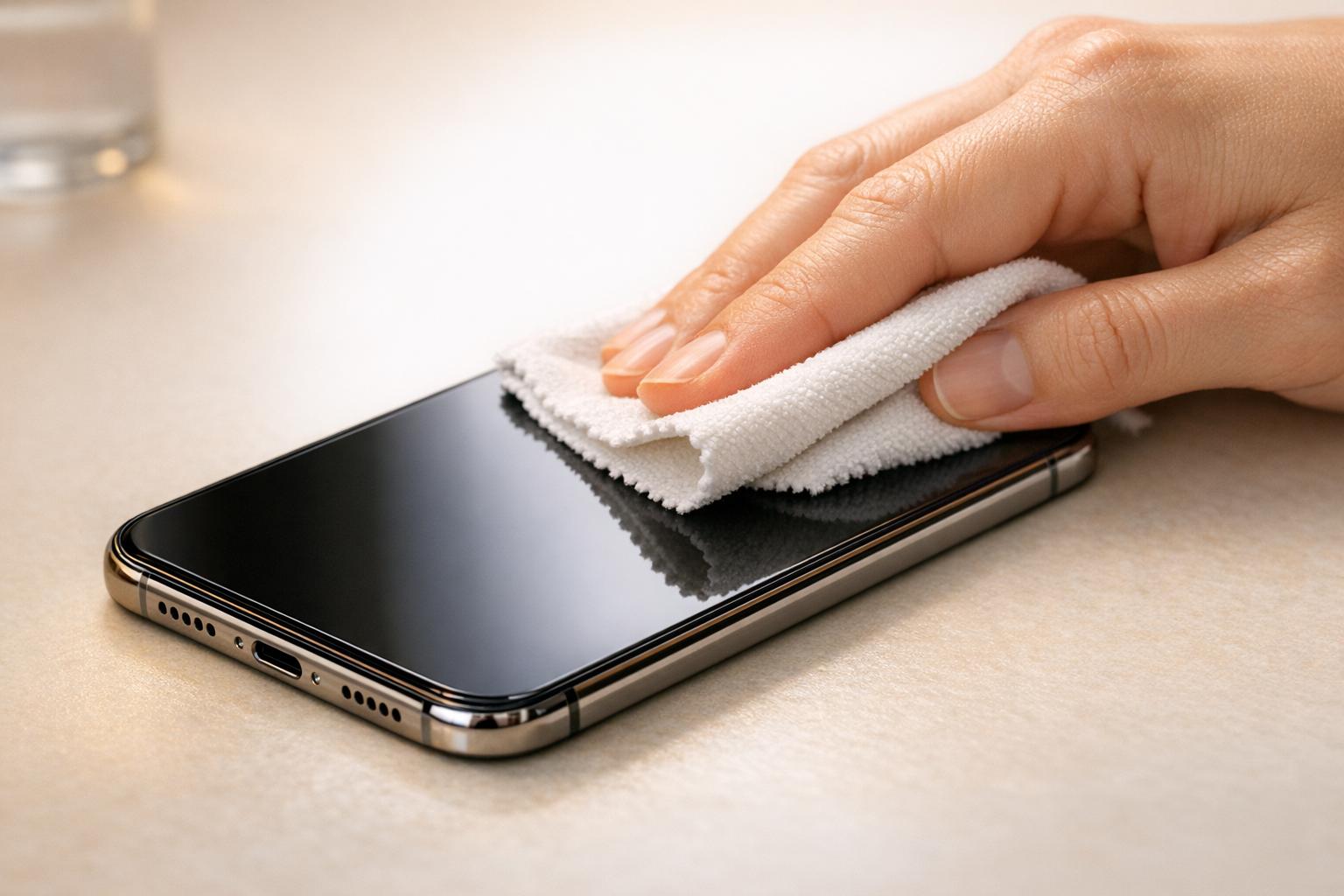
Your smartphone carries more bacteria per square inch than a public toilet seat — studies put the number at 10 times higher. Regular cleaning removes E. coli, Staphylococcus, and everyday grime that clogs charging ports and muffles speakers. This guide covers exactly what to use, what to skip, and how often to do it.
Why Cleaning Your Phone Matters
A 2017 study published in Germs found that 95% of smartphones tested carried potentially harmful bacteria. You touch your phone hundreds of times a day, then touch your face. That’s a direct transfer route for illness.
Beyond health, grime causes real hardware problems. Dust packed into a Lightning or USB-C port causes charging failures. Debris in speaker grilles muffles audio. We see these issues in the shop constantly — and most of them are preventable with a basic cleaning routine.
How Often Should You Clean Your Smartphone?
Daily light cleaning and weekly disinfection is the right cadence for most people. If you work in healthcare, food service, or outdoors, bump disinfection up to every other day.
| Cleaning Task | Frequency | Tool |
|---|---|---|
| Wipe screen and back | Daily | Dry microfiber cloth |
| Disinfect surfaces | 2–3x per week | 70% isopropyl alcohol wipe |
| Clean charging port | Monthly | Wooden toothpick or Scotch tape |
| Clean speaker grilles | Monthly | Dry soft-bristle brush |
| Deep clean case | Weekly | Soap and water (silicone/plastic cases) |
The Right Tools for Smartphone Cleaning
You don’t need expensive kits. The tools that actually work are cheap and probably already in your house.
- Microfiber cloth — the only safe option for screens. Keep one for the phone, one for the case.
- 70% isopropyl alcohol wipes — approved by Apple and Samsung for disinfecting glass and aluminum surfaces.
- Cotton swabs — useful around buttons, camera lenses, and speaker grilles.
- Wooden toothpick — safe for dislodging lint from charging ports. Never use metal.
- Scotch tape (sticky side out) — lifts fine dust from ports without risk of damage.
- Soft-bristle brush (like a clean makeup brush) — sweeps debris from grilles gently.
- Distilled water — for light cleaning when alcohol isn’t needed. Avoids mineral deposits.
What Should You Never Use to Clean a Smartphone?
The wrong cleaner can strip your screen’s oleophobic coating permanently. Once that’s gone, fingerprints stick harder and the screen feels rough. No repair can restore it — you’d need a full screen replacement.
| Category | Safe to Use | Never Use |
|---|---|---|
| Cleaning agents | 70% isopropyl alcohol, distilled water, Clorox disinfecting wipes | Bleach, Windex, vinegar, ammonia, hand sanitizer, dish soap |
| Cloths / applicators | Microfiber cloth, cotton swabs, soft-bristle brush | Paper towels, napkins, shirt fabric, rough sponges |
| Port cleaning | Wooden toothpick, Scotch tape, soft brush | Compressed air, metal tools, toothbrush with water |
| Drying | Air dry, microfiber pat-dry | Hair dryer, heat gun, direct sunlight |
Compressed air deserves a special mention. It feels like the obvious tool for ports and grilles, but Apple and Samsung both explicitly advise against it. The pressure can push debris deeper into the port and damage microphone membranes.
Step-by-Step Smartphone Cleaning Process
Follow this sequence every time. Order matters — you don’t want to wipe a dirty screen with a cloth you just used on the back.
Power Off and Remove the Case
Turn your phone off before cleaning. This protects against accidental inputs and reduces the risk of moisture reaching active circuits. Remove the case — it needs its own cleaning.
Dry Wipe the Screen
Use a dry microfiber cloth in gentle circular motions. This removes loose dust and oils without spreading them. Don’t press hard — the glass doesn’t need pressure, just contact.
Disinfect with 70% Alcohol Wipe
Lightly wipe the screen, back, and sides. Wring out excess moisture first — the wipe should be damp, not dripping. Avoid openings like the charging port, headphone jack, and speaker grilles.
Clean Around Buttons and Camera
Use a dry cotton swab around the volume buttons, power button, and camera lens edge. A lightly dampened swab (with 70% alcohol) works for stubborn grime in crevices.
Let It Air Dry
Give the phone 2–3 minutes before powering back on. Alcohol evaporates fast, but you want all moisture gone before the case goes back on.
How to Clean Charging Ports and Speaker Grilles
This is where most people go wrong. Charging ports and speaker grilles need careful, dry cleaning — no liquids, no compressed air.
Charging Port (Lightning, USB-C, Micro-USB)
Lint from pockets is the main culprit. It compacts over time until the cable can’t make a solid connection. Use a wooden toothpick to gently scrape along the bottom of the port. Work slowly — you’re lifting lint, not digging.
Scotch tape (sticky side out, rolled around a toothpick) is even safer. It grabs fine dust without any risk of scratching the contacts.
Speaker Grilles
A dry soft-bristle brush (a clean makeup brush works perfectly) sweeps debris out of speaker grilles without pushing it deeper. Brush across the grille, not into it. If audio is still muffled after cleaning, the speaker membrane may be damaged — that’s a repair, not a cleaning issue.
Microphone
The microphone port is tiny and easy to miss. It’s usually a small pinhole near the bottom of the phone. A single pass with a dry brush is all it needs. Never blow into it — moisture from breath causes corrosion.
How to Clean Your Phone Case
Cases collect as much bacteria as the phone itself — sometimes more, because they’re harder to wipe down. Cleaning method depends on material.
- Silicone cases: Warm water and a drop of dish soap. Scrub with a soft brush, rinse thoroughly, air dry completely before putting back on the phone.
- Hard plastic cases: 70% isopropyl alcohol wipe works well. Avoid soaking — it can warp thin plastic.
- Leather cases: Dry microfiber cloth only. Alcohol strips leather finish. Use a leather conditioner monthly.
- Fabric or wallet cases: Spot clean with a damp cloth. Check manufacturer instructions before using any cleaner.
Accessories That Make Cleaning Easier
A few products genuinely reduce how often you need to deep clean.
- Antimicrobial screen protectors — tempered glass with silver ion coating inhibits bacterial growth between cleanings. Brands like Zagg and Belkin make them for most iPhone and Samsung Galaxy models.
- UV sanitizer boxes — devices like the PhoneSoap use UV-C light to kill 99.99% of bacteria in about 10 minutes. Useful if you work in healthcare or around kids.
- Dust plugs — small silicone plugs for USB-C and Lightning ports. Cheap and effective at keeping lint out.
- Microfiber screen cleaning kits — small enough to keep in a bag. iKlear and Whoosh make good ones that are safe for oleophobic coatings.
When Cleaning Isn’t Enough — Time to See a Technician
Cleaning fixes surface grime. It doesn’t fix hardware damage. Here’s how to tell the difference.
Clean It Yourself
- Screen has smudges or fingerprints
- Speaker sounds slightly muffled
- Charging cable feels loose but still connects
- Camera lens has smudges
- Case looks grimy
Bring It to Gadget Medics
- Phone won’t charge after port cleaning
- Speaker is completely silent or distorted
- Screen has dead spots or discoloration
- Liquid got inside the device
- Microphone not picking up voice on calls
We offer a free quick check at both Boca Raton locations. If the issue is just debris, we’ll clean it out at no charge. If it needs a repair, we’ll give you an exact price before touching anything.
A charging port cleaning takes us about 10 minutes. A damaged port from DIY attempts takes 45 minutes and costs $60–$90 to fix.
Related guides: Charging Habits for Longer Smartphone Battery Life
Frequently Asked Questions
Is it safe to use alcohol wipes on my phone screen?
Yes — 70% isopropyl alcohol is safe for glass screens and aluminum bodies on iPhone and Samsung Galaxy devices. Both Apple and Samsung officially approve it. Don’t use concentrations above 70%; higher percentages evaporate too fast to disinfect properly and can be harsher on coatings. Avoid getting alcohol in ports or speaker grilles.
Can I use compressed air to clean my phone’s charging port?
No. Apple and Samsung both advise against compressed air. The pressure can push debris deeper into the port, damage microphone membranes, and force moisture into the device. Use a wooden toothpick or Scotch tape instead — both are safe and effective for removing lint without risk.
How do I know if my charging port needs cleaning or replacement?
If your cable charges intermittently or you have to hold it at an angle, start with a cleaning. Use a wooden toothpick to remove compacted lint from the bottom of the port. If cleaning doesn’t help, the port contacts may be bent or corroded — that’s a repair. At Gadget Medics in Boca Raton, we diagnose it and quote you before any work starts.
What’s the best way to clean a phone that got wet?
Don’t put it in rice — that’s a myth. Power it off immediately, don’t charge it, and let it air dry in a warm spot for 24–48 hours. If it got fully submerged or liquid got into ports, bring it in. We’ve seen phones recover fully from water damage when treated within a few hours. Waiting makes corrosion worse.
How often should I clean my phone if I use it at work?
Healthcare workers, teachers, and food service workers should disinfect daily with 70% isopropyl wipes. For office environments, 2–3 times per week is enough. A daily dry wipe with a microfiber cloth takes 30 seconds and removes most surface oils and dust regardless of your job.
Can cleaning damage my phone’s oleophobic coating?
Yes, if you use the wrong products. Bleach, vinegar, ammonia, and abrasive cloths all strip the oleophobic layer — the coating that repels fingerprints. Once it’s gone, it can’t be restored without replacing the screen. Stick to 70% isopropyl alcohol and microfiber cloths, and you won’t damage it.
Where to Get Help in Boca Raton
Gadget Medics has two locations in Boca Raton. The Mission Bay Plaza shop is at 20437 State Road 7 — call (561) 279-6888. The Feinrose Plaza location is at 1906 Clint Moore Rd — call (561) 922-8588. Both offer a free quick check and same-day service on most repairs.
We’ve been repairing phones, tablets, MacBooks, and consoles in Boca Raton for over 10 years. If your phone has a problem that cleaning can’t fix, bring it in. We’ll tell you exactly what’s wrong and what it costs — before we start.