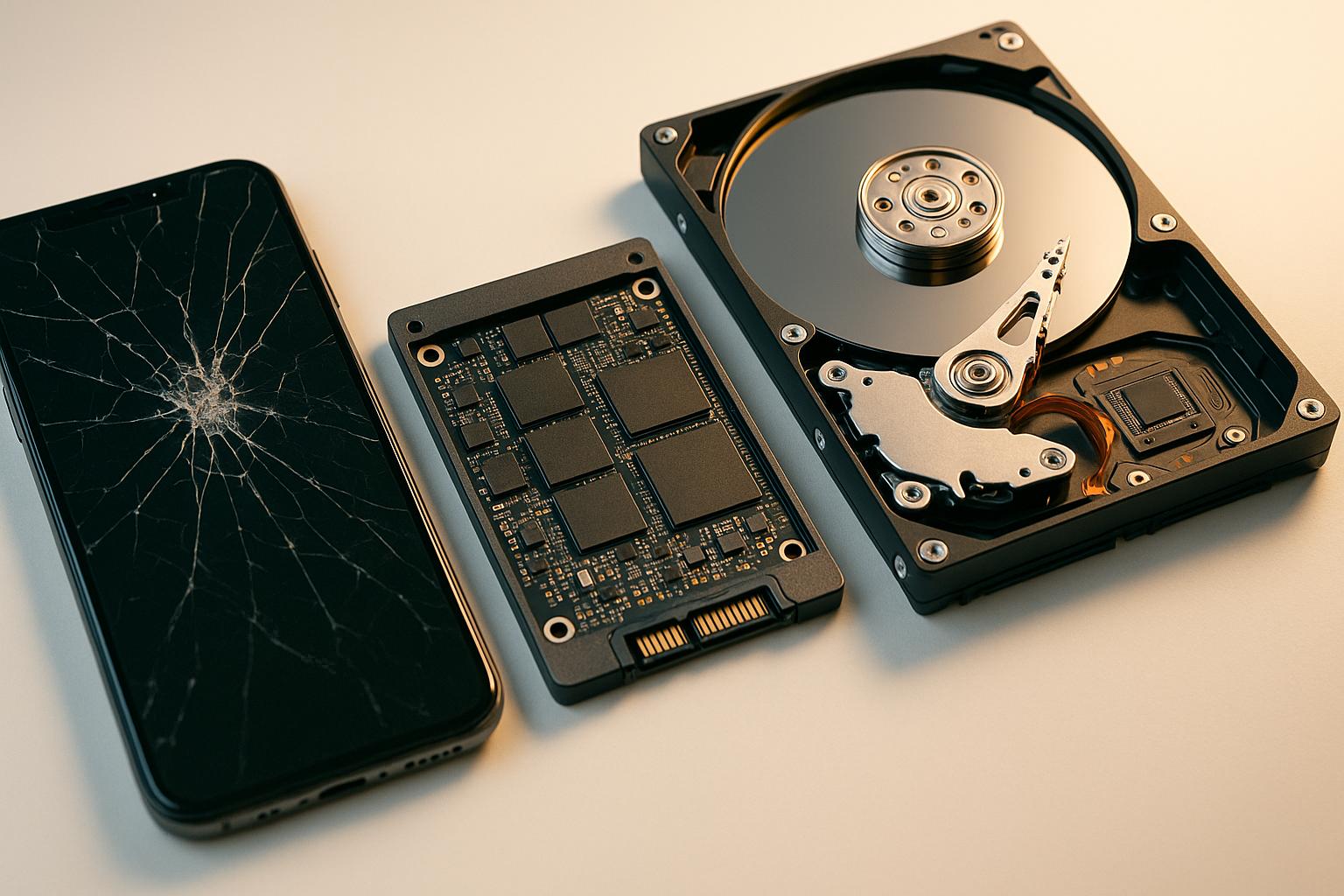
Lost files don’t always stay lost. Most phone, HDD, and SSD recoveries at Gadget Medics in Boca Raton start the same day you walk in — and you’ll get a firm written quote before we touch anything. You only approve the work after seeing exactly what’s recoverable and what it’ll cost.
Whether you need data recovery near you for phones, SSDs, hard drives, or other storage devices, we repair it all.
What Devices and Storage Types We Recover
We handle data recovery for iPhones, Android phones, MacBooks, Windows laptops, desktop hard drives, SSDs, USB drives, and SD cards. In 8+ years at our Boca Raton shop, our technicians have completed thousands of recoveries — from a single deleted photo to full business drive failures.
Our data recovery near me service covers phones, SSDs, HDDs, and more. Gadget Medics serves all of South Florida and Palm Beach County with professional data recovery solutions.
- iPhone and Android phones — accidental deletion, water damage, failed iOS/Android updates
- 2.5″ and 3.5″ HDDs — clicking drives, PCB failure, bad sectors, firmware corruption
- SATA and NVMe SSDs — controller failure, corrupted partition tables, worn NAND cells
- USB flash drives and SD cards — physical damage, file system errors, broken connectors
- MacBook drives — T2 and M-chip encrypted volumes, failed OS installs, dropped machines
- Windows PC drives — RAID arrays, failed OS, BitLocker-encrypted volumes
Data Recovery Pricing in Boca Raton
Recovery cost depends on the device type and failure category. Logical failures (deleted files, corrupted partitions) cost less than physical failures (clicking drives, water damage).
You’ll get a written quote after evaluation — no surprises, and you approve before we begin any work.
| Service | Price | Typical Turnaround |
|---|---|---|
| Phone Data Recovery (logical) | Starting at $99 | Same day – 24 hrs |
| Phone Data Recovery (water damage / physical) | Starting at $149 | 1–3 days |
| HDD Recovery (logical — deleted files, partition) | Starting at $149 | Same day – 48 hrs |
| HDD Recovery (physical — clicking, PCB failure) | Starting at $299 | 2–5 days |
| SSD / NVMe Recovery | Starting at $199 | 1–3 days |
| USB Drive / SD Card Recovery | Starting at $79 | Same day – 24 hrs |
| MacBook Drive Recovery (T2 / M-chip) | Starting at $249 | 2–5 days |
Final price confirmed after evaluation. You approve the quote before any recovery work begins. Call Gadget Medics at (561) 279-6888 for a same-day evaluation.
Not Sure What Your Recovery Will Cost?
Bring your device in for a same-day evaluation at either Boca Raton location. We’ll tell you exactly what’s recoverable and what it’ll cost — before you commit to anything.
What Causes Data Loss on Phones, SSDs, and Hard Drives?
Data loss falls into four categories: physical damage, logical failure, firmware corruption, or user error. The category determines the recovery method, the tools required, and how long it takes.
Here’s what we see most often in our shop when customers need data recovery for phones, SSDs, and HDDs.
Phone Data Loss
The most common phone scenarios: water damage corroding the NAND flash memory, a failed iOS or Android update bricking the device, and accidental factory resets without a prior backup. A cracked screen that won’t respond to touch can also lock you out of your data entirely.
Saltwater is significantly more destructive than fresh water. If your phone went into the ocean or a pool, bring it in the same day. Don’t charge it. Don’t use heat to dry it. For more information on water damage recovery, see iFixit’s guide to water damage repair.
Hard Drive (HDD) Failure
Mechanical drives fail in predictable ways. A clicking or grinding sound means the read/write head’s failed or the platters are damaged. Drives that spin up but aren’t detected by the computer usually have PCB or firmware issues.
Both are recoverable in many cases — but only if you stop using the drive immediately.
SSD and Flash Storage Failure
SSDs fail silently — no clicking, they just stop being recognized. Common causes include controller chip failure, worn NAND cells after years of heavy use, and corrupted partition tables from a bad OS install. NVMe drives in MacBooks and modern PCs are recoverable, though the process is more involved than a standard SATA drive.
Accidental Deletion and Logical Errors
Not every data loss involves hardware failure. Accidental deletion, a botched OS update, a corrupted file system, or a failed partition resize can make files disappear on a drive that’s physically fine.
These are often the fastest recoveries — provided you haven’t written new data to the drive since the loss occurred.
How Data Recovery Works at Gadget Medics
We follow the same structured process on every job — phone, HDD, or SSD. No guessing, no steps that could make things worse. Here’s exactly what happens from the moment you walk in to our Boca Raton shop.
Evaluation
We assess the device to identify the failure type — logical, physical, or firmware. Most evaluations take 30–60 minutes. You’ll get a clear diagnosis and a firm written quote before we proceed. Broken Club members get this step free.
Imaging
For drives, we create a sector-by-sector clone before attempting any recovery. This protects the original data and gives us a safe working copy. Skipping this step is how DIY attempts permanently destroy data.
Extraction
We use professional-grade tools — PC-3000 for drives, Cellebrite for phones, and proprietary firmware repair utilities — to extract files from the image or directly from the device’s memory chips.
Verification & Delivery
You review the recovered files before we close the job. We transfer your data to a new drive or cloud storage. If we can’t recover your target files, we’ll tell you before charging a full recovery fee.
Should You Attempt DIY Data Recovery?
Free tools like Recuva or TestDisk work for simple logical deletions on a healthy, fully functioning drive. For anything involving physical damage, firmware failure, or a water-damaged phone, DIY attempts almost always make the situation worse — sometimes permanently.
Here’s the honest breakdown.
DIY Recovery
- Free tools only work reliably on healthy drives
- Running repair utilities can overwrite recoverable sectors
- Opening a hard drive outside a cleanroom destroys platters
- No sector-level imaging before attempting extraction
- No recourse if you make the damage permanent
Gadget Medics
- Sector-by-sector imaging before any extraction attempt
- PC-3000 and Cellebrite professional-grade tools
- Written quote before work begins — you approve before we start
- No full recovery fee charged on failed attempts
- 600+ Google reviews, 4.8+ rating 600+ reviews ★4.8+
- 8+ years recovering data in Boca Raton, FL
Based on hundreds of repairs we’ve completed, roughly 1 in 3 drives brought in after a DIY attempt has additional damage that wasn’t there originally — usually from running CHKDSK on a physically failing drive.
How to Prevent Data Loss Before It Happens
The best data recovery is the one you never need. A few consistent habits eliminate most of the risk — and they won’t cost you anything compared to a professional recovery job.
- Back up your phone weekly — iCloud, Google Photos, or a local backup via Finder/iTunes
- Use the 3-2-1 rule: 3 copies, 2 different media types, 1 stored offsite
- Watch for early HDD warning signs: slow access times, clicking sounds, frequent freezes
- Don’t fill an SSD past 85% capacity — it accelerates NAND cell wear significantly
- Use a surge protector — power spikes are a leading cause of sudden drive failure
- Replace HDDs older than 4–5 years proactively, especially in laptops that get moved around
Why Boca Raton Trusts Gadget Medics for Data Recovery
Data recovery is a trust-heavy service. You’re handing over a device that may hold years of photos, business files, or irreplaceable personal records. Here’s why 600+ customers have given us a 4.8+ star rating on Google.
- Since 2018 — 8+ years of data recovery in Boca Raton, FL
- 600+ Google reviews — 4.8+ average rating 600+ reviews ★4.8+
- Written quote before work begins — you approve the price, always
- No-recovery, reduced-fee policy — we don’t charge full price if we can’t get your files
- OEM-quality parts on any device repairs needed alongside recovery
- 90-day warranty on all repair work performed
- Two Boca Raton locations — Mission Bay Plaza at 20437 State Road 7, STE B-7, Boca Raton, FL 33498 and Feinrose Plaza at 1906 Clint Moore Rd, Unit 5, Boca Raton, FL 33496
- Broken Club members get free evaluations and lifetime warranty coverage
We serve customers from Boca Raton, Delray Beach, Deerfield Beach, Parkland, Coral Springs, and Boynton Beach throughout South Florida and Palm Beach County. Walk in to either location or call Gadget Medics at to describe your situation before you come in. Learn more about business trust and ratings at the Better Business Bureau.
Related guides: iMac HDD to SSD Upgrade | Speed Up at Gadget Medics
Frequently Asked Questions — Data Recovery Near Me
How much does data recovery cost in Boca Raton?
Phone and USB drive recoveries start at $79–$99 for logical failures. Hard drive recoveries start at $149 for logical issues and $299 for physical failures like clicking or PCB damage. SSD and NVMe recovery starts at $199. You’ll get a firm written quote after evaluation — no work begins until you approve the price. Call for a same-day estimate.
How long does data recovery take?
Logical recoveries — deleted files, corrupted partitions on a healthy drive — often complete the same day. Physical drive failures typically take 2–5 business days depending on the damage. Water-damaged phones usually take 1–3 days. We’ll give you a realistic timeline after the initial evaluation, not a vague estimate.
Do I need an appointment for data recovery?
Walk-ins welcome. Walk in to either Boca Raton location — Mission Bay Plaza or Feinrose Plaza — and we’ll start the evaluation the same day. If you want to describe the situation first, call Gadget Medics at (561) 279-6888 and we’ll tell you what to expect before you make the trip.
What happens if you can’t recover my data?
We’ll tell you before charging a full recovery fee. If the data isn’t recoverable with our tools and process, we won’t bill you as if the job succeeded. We’ll explain exactly what we found and what options remain — including referral to a cleanroom lab for severe physical damage cases.
Is my data safe during the recovery process?
Yes. We work from a sector-by-sector image of your drive or device, never directly on the original hardware. Your data stays protected throughout the entire process.
Can Geek Squad recover data from a hard drive?
Geek Squad offers data recovery, but drives with physical damage are typically sent to an off-site lab, which adds time. At Gadget Medics we evaluate the drive locally first. Logical hard drive recoveries (deleted files, corrupted partitions) start at $149. If we can’t recover your data, you don’t pay a full recovery fee.
Can data be recovered from a wiped hard drive?
Often yes, if the drive was quick-formatted or files were deleted and nothing new was written over them. Stop using the drive right away. A full overwrite, a secure erase, or an SSD that has run TRIM usually cannot be recovered. We’ll tell you which case you’re in after the evaluation.
Is $300 data recovery good?
For a physically failing hard drive (clicking, PCB damage) that’s a normal price; our physical HDD recoveries start at $299. For deleted files on a healthy drive it’s high: logical recoveries here start at $149, or $79–$99 for phones and USB drives. You get a firm written quote first.