Windows 10 support ends October 14, 2025. That means no more security updates, leaving your computer vulnerable to cyberattacks and compatibility issues. Upgrading to Windows 11 is the best way to protect your data, improve performance, and keep up with modern software and hardware.
Here’s what you need to know:
- Why Upgrade? Windows 11 offers better security, faster performance, and a simpler interface.
- What Happens If You Don’t? Staying on Windows 10 after support ends increases risks of malware, data breaches, and outdated software.
- How Gadget Medics Can Help: They handle everything – compatibility checks, secure data backups, installation, and ongoing support.
Act now to avoid last-minute stress and ensure your system is ready for the future.
Should You Upgrade To Windows 11?
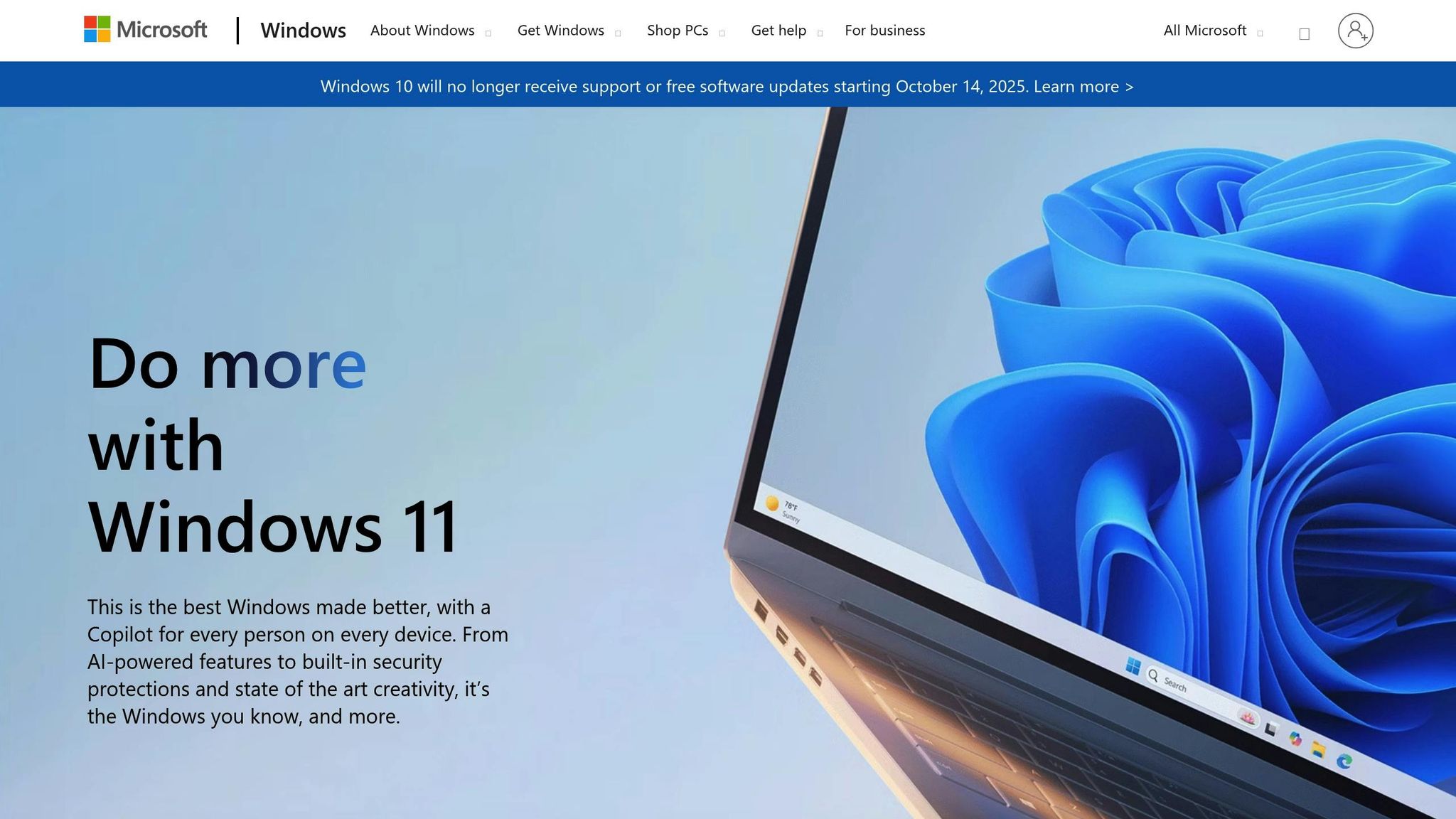
Top Benefits of Windows 11
Windows 11 brings forward a host of upgrades designed to make everyday computing safer and more efficient. These improvements focus on protecting your system while meeting the demands of modern technology. Here’s a closer look at how its security features deliver.
Improved Security Measures
Windows 11 sets a new standard for security, surpassing its predecessor, Windows 10. Microsoft now requires hardware-based security features like Trusted Platform Module (TPM) 2.0, which safeguards sensitive data such as encryption keys and passwords.
Backed by insights from analyzing 8.2 trillion threat signals, Windows 11’s security framework has made a tangible impact: a 62% reduction in security incidents and a threefold drop in firmware attacks on newer PCs. Additionally, organizations using Windows Hello for Business report 67% fewer compromises. These statistics highlight Windows 11’s focus on delivering both safety and reliability.
Problems with Staying on Windows 10
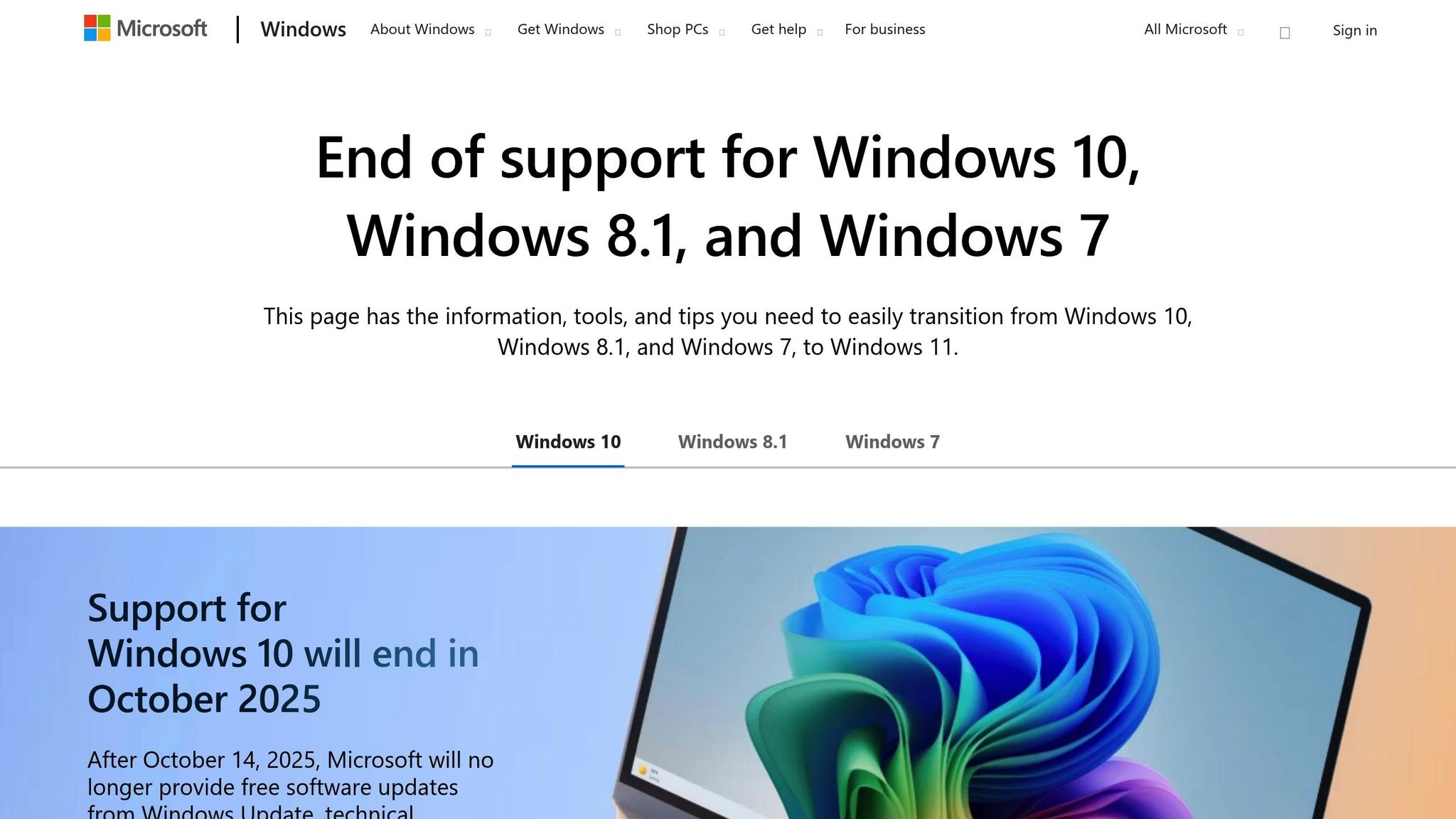
Windows 10 has been a dependable operating system for many users, but sticking with it after Microsoft ends official support could lead to growing challenges. Security vulnerabilities, compatibility issues, and limited options for updates are just a few of the hurdles users may face.
Security Risks After Support Ends
Microsoft plans to stop supporting Windows 10 on October 14, 2025. Once that happens, the operating system will no longer receive critical security updates. This leaves your computer exposed to potential cyberattacks and malware, as any newly discovered vulnerabilities will go unpatched. Without regular updates, your personal and business data could be at serious risk.
Compatibility with New Software and Hardware
As technology evolves, developers increasingly design software and hardware to work with Windows 11. This shift means that newer applications and devices may not function properly – or at all – on Windows 10. Over time, you might find yourself unable to use cutting-edge tools and technologies, as they’ll be optimized for Windows 11.
Extended Support: Limited and Costly
Microsoft does offer Extended Security Updates (ESU) for Windows 10, but this option comes with significant limitations. ESU only provides basic security patches and lacks new features, performance improvements, or comprehensive technical support. Relying on this service can become both impractical and expensive, especially for businesses aiming to stay competitive.
These challenges make it clear that upgrading to a more secure and modern system is not just a good idea – it’s increasingly necessary.
sbb-itb-2e56335
How Gadget Medics Handles Your Windows 11 Upgrade
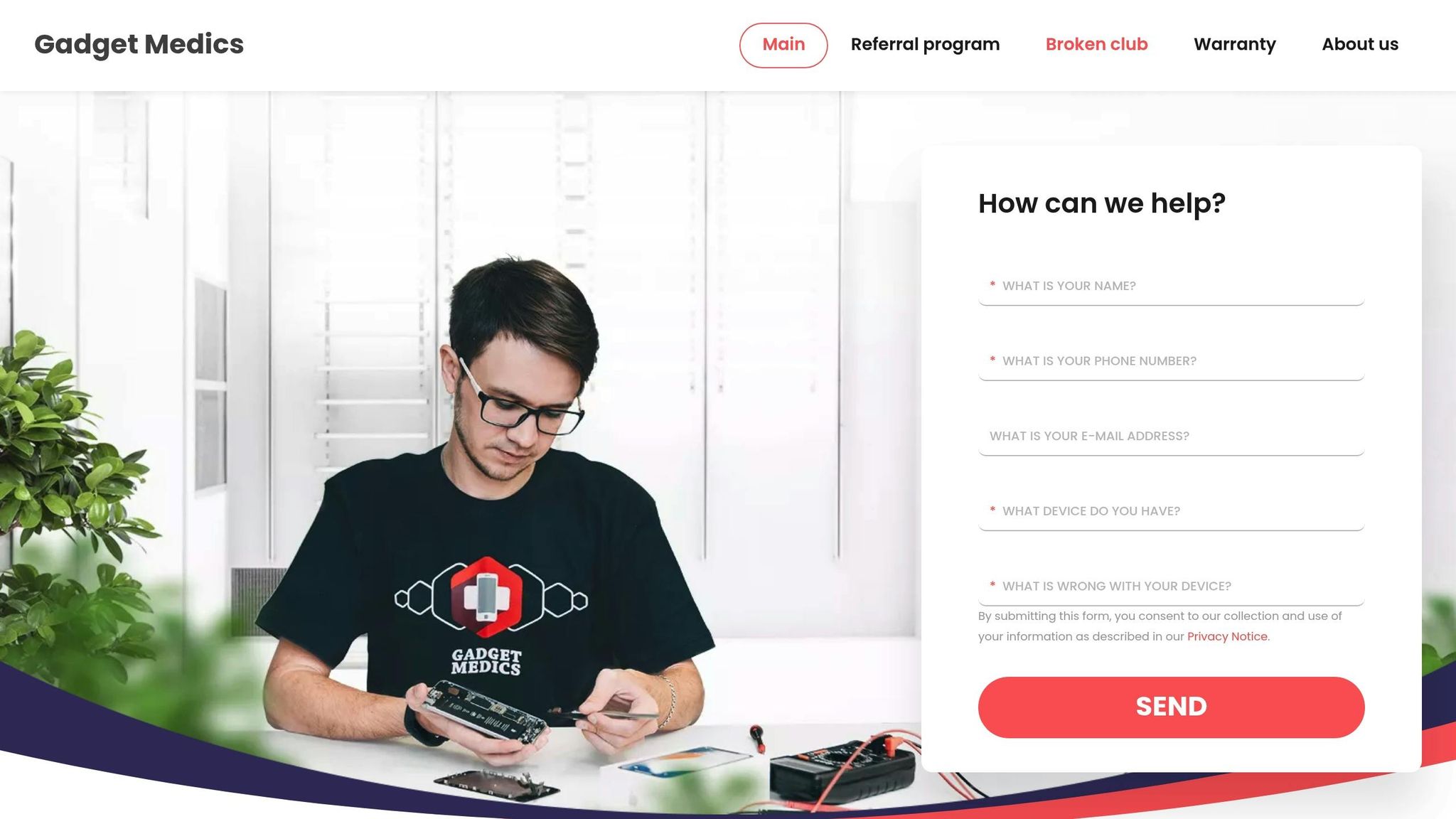
Gadget Medics takes care of your Windows 11 upgrade from start to finish, ensuring the process is smooth, secure, and stress-free.
Device Compatibility Testing Done Right
Before diving into the upgrade, Gadget Medics thoroughly checks your device to confirm it’s ready for Windows 11. This early evaluation helps spot and address any potential issues, paving the way for a trouble-free transition.
Safe Data Backup and Transfer
To protect your important files and settings, Gadget Medics performs a secure backup before upgrading. This step ensures your data stays intact and accessible throughout the process.
Expert Installation and Continued Support
When it’s time for the upgrade, certified technicians handle everything – from installing Windows 11 to updating drivers and fine-tuning your system for optimal performance. After the upgrade, their Broken Club program provides ongoing support, including remote assistance, preventive maintenance, and quick troubleshooting. Members also enjoy perks like a warranty · Lifetime with Broken Club on serviced devices and a free annual computer tune-up.
The Broken Club doesn’t stop at just computers. It covers all your devices – phones, tablets, and more. Plus, with a strong local team, Gadget Medics offers on-site help whenever needed, ensuring you’re back to full productivity in no time. This comprehensive approach tackles common upgrade issues head-on, so you can enjoy Windows 11 without a hitch.
Even with expert upgrade services, users often encounter technical hiccups.
Common Upgrade Problems and How Gadget Medics Solves Them
Upgrading to Windows 11 can feel daunting, especially when it comes to safeguarding your data. One of the biggest concerns is ensuring personal files remain intact during the process. That’s where Gadget Medics steps in, offering professional backup and data transfer solutions to keep your files secure.
Concerned About Losing Your Files?
The risk of data loss becomes even more pronounced when BitLocker encryption is involved. Surprisingly, studies reveal that 56% of users don’t know their BitLocker recovery key or how to protect it. To tackle this, Gadget Medics employs advanced backup techniques. These include securing BitLocker recovery keys before starting the upgrade and enabling their technicians to work directly with BitLocker recovery screens when needed. This hands-on approach not only reduces troubleshooting time but also helps avoid the hefty costs of data recovery.
Why Choose Gadget Medics for Your Windows 11 Upgrade
Windows 11 brings enhanced security, improved performance, and a sleek, modern interface to the table. But let’s face it – upgrading can feel overwhelming. That’s where Gadget Medics steps in to make the process effortless.
With their PC Care & Upgrades service, Gadget Medics ensures your computer meets all the necessary Windows 11 requirements. If your current system doesn’t make the cut, they’ll build a custom computer tailored specifically to your needs, so you’re ready to embrace this new operating system without a hitch.
Their expertise doesn’t stop at installation. Gadget Medics’ on-site technicians are equipped to handle immediate data recovery, keeping your files safe and secure throughout the upgrade process.
For ongoing support, their Concierge Service offers members access to expert care, ensuring your system continues to run smoothly even after the upgrade. Whether it’s routine servicing or troubleshooting, they’ve got you covered.
As Windows 10 support winds down, having a team like Gadget Medics ensures a seamless transition. From diagnostics to reliable troubleshooting, they provide the full package to make your upgrade experience stress-free.
FAQs
What hardware do I need to upgrade to Windows 11, and how can I check if my device is compatible?
To make the jump to Windows 11, your device must meet a few key requirements. It needs a 64-bit processor running at a minimum of 1 GHz with at least 2 cores, 4 GB of RAM, and 64 GB or more of storage space. Additionally, your system should support UEFI firmware with Secure Boot enabled and include a Trusted Platform Module (TPM) version 2.0.
Wondering if your device is ready? Microsoft’s PC Health Check app can quickly analyze your system and let you know if it ticks all the boxes. If the results leave you scratching your head or you’d like some extra help, the experts at Gadget Medics are available to assess your system and guide you through the upgrade process.
How does Gadget Medics protect my data during a Windows 11 upgrade?
At Gadget Medics, your data’s safety is our top priority during the Windows 11 upgrade. Before we even begin, we take care of a thorough data backup – this includes your system files, applications, and settings – so you don’t have to worry about losing anything important.
We also carry out in-depth compatibility checks to spot and address any issues that could disrupt your system or compromise your data during the upgrade. By following trusted industry practices, our team ensures a smooth and secure transition, so you can upgrade with confidence.
What kind of support does Gadget Medics provide after upgrading my device to Windows 11, and how can it help me?
When you upgrade your device to Windows 11, Gadget Medics steps in to make the transition seamless. They offer a range of services like routine maintenance, software updates, and troubleshooting assistance to keep your system running smoothly.
These services are designed to safeguard your device against security risks, ensure it performs at its best, and keep you up-to-date with the latest Windows 11 features. With Gadget Medics handling the technical side, you can relax knowing your device is well taken care of.