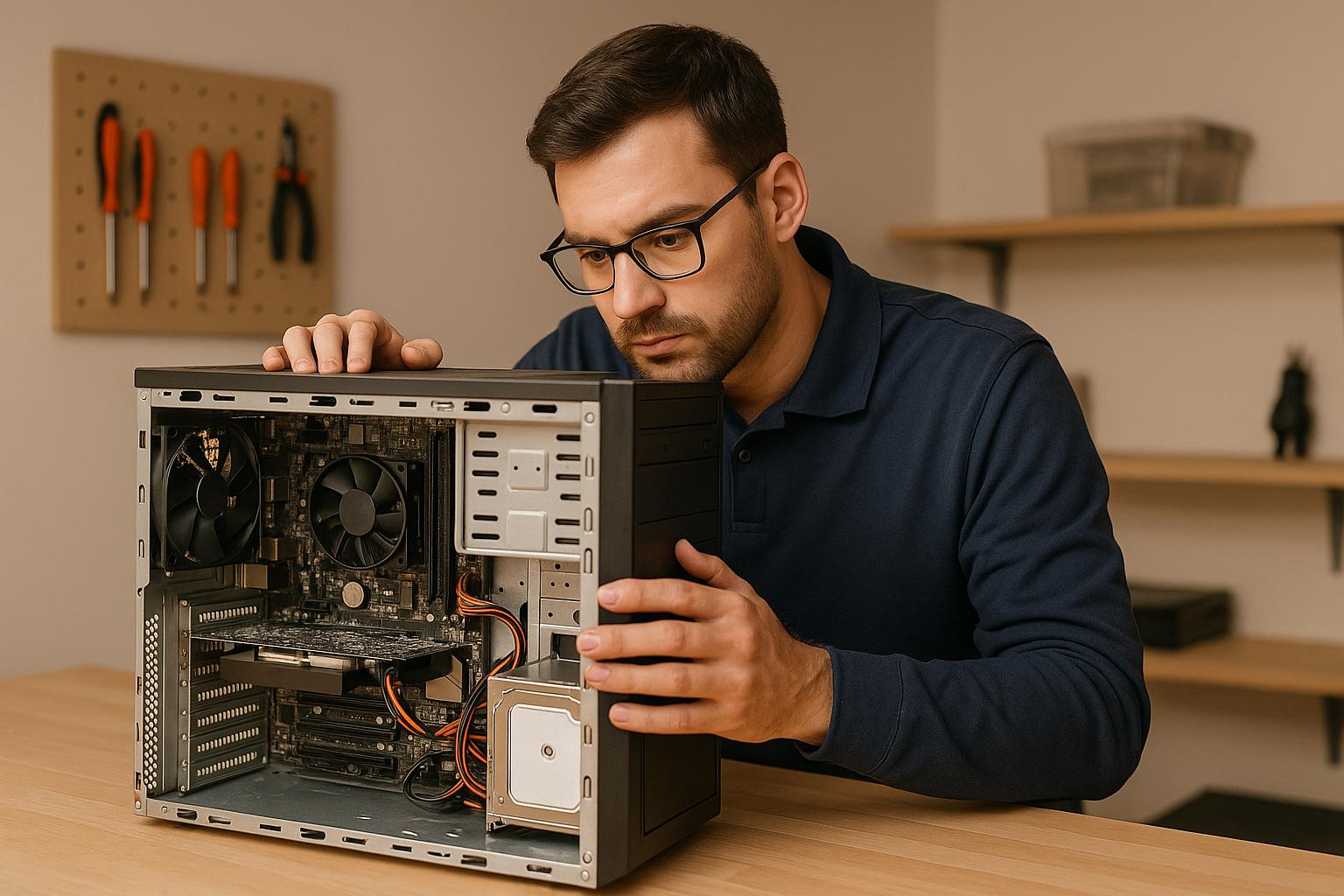
Professional computer repair shops in Boca Raton catch five hidden problems most users never see coming — corrupted partition tables, BIOS conflicts, component overheating, rootkit malware, and PSU voltage failure. In our experience fixing computers and consoles at Gadget Medics, we repair these issues in our shop every day using tools that go far deeper than consumer diagnostics.
Get a Professional Diagnostic Today
Full computer diagnostic starting at $85 — applied toward your repair. Same-day service available. Call now to schedule.
1. Hard Drive Failure with Damaged Partition Tables
Your computer can boot normally while its hard drive silently corrupts data in the background. A damaged Master Boot Record (MBR) or GUID Partition Table (GPT) causes symptoms — slow boots, files that won’t open, random crashes — that look exactly like a dozen other problems.
Without the right tools, you’ll chase the wrong fix for weeks.
Why It’s So Hard to Spot
Basic diagnostic software reads what the drive reports about itself. When partition tables are corrupted, the drive often reports normal status while quietly scrambling file locations. Bad sector remapping shifts partition boundaries, so the firmware manages addresses that no longer match the actual data layout.
The result: files open but contain garbage data. Folders take 30 seconds to load. Some programs crash instantly while others run fine — depending on where their data sits relative to the corrupted partitions.
What We Use to Diagnose It
Our technicians pull full SMART data — raw error rates, reallocated sector counts, spin-up times — using tools that go deeper than Windows or macOS surface-level utilities. For serious cases, we use PC-3000 and R-Studio to map sectors and locate corruption precisely.
Write-blocking devices protect the drive during the entire process so we don’t overwrite anything recoverable.
Long-Term Risk if Ignored
Partition corruption spreads. The drive develops more bad sectors as it keeps operating with faulty address tables. Recovery gets harder and more expensive the longer you wait. In severe cases, recovery becomes impossible — even with professional tools.
2. BIOS Misconfigurations and Hardware Conflicts
The BIOS (or UEFI) controls how your hardware initializes before the operating system even loads. When its settings are wrong, the symptoms look like bad RAM, a failing GPU, or a software bug — not a configuration issue.
This is one of the most commonly misdiagnosed problems we see at the shop.
What Goes Wrong
Mismatched RAM timing is a classic example. Your system runs fine during light tasks but crashes under load because the XMP profile clashes with the motherboard’s default memory settings. IRQ conflicts between devices cause a sound card to produce distorted audio or a network adapter to drop connections randomly — symptoms that look like hardware failure but aren’t.
Misconfigured CPU power states prevent the processor from reaching full speed under load. Wrong PCI Express lane allocation limits GPU performance. Thermal sensor errors cause fans to stay off when they should be running — or trigger shutdowns when temperatures are actually fine.
Tools Required
We use AIDA64 and HWiNFO64 to surface hardware conflicts that standard utilities miss. For memory timing issues, oscilloscopes and logic analyzers examine the actual electrical signals — not just what the software reports. ACPI debugging tools identify power management conflicts behind sleep failures and random shutdowns.
3. Overheating Beyond the CPU
Everyone checks CPU temperature. Almost nobody checks VRM temperature, M.2 SSD temperature, or GPU memory temperature — and those components fail silently all the time. We’ve seen systems where the CPU reads a healthy 65°C while the VRMs are throttling at 105°C and nobody knew.
- VRMs (Voltage Regulator Modules): These power the CPU and often have no built-in temperature sensor. They run extremely hot under load and fail without warning.
- M.2 NVMe SSDs: Placed near the GPU on most modern motherboards, they thermal-throttle aggressively. You’ll notice it as slow boot times and laggy file transfers — usually blamed on software.
- GPU memory chips: The GPU core temperature looks fine, but the GDDR6 chips on the back of the card can run 20–30°C hotter. This causes visual artifacts and crashes that look like driver issues.
- RAM modules: High-speed DDR5 kits generate real heat. Overheated RAM causes data corruption and blue screens that are almost impossible to trace without thermal imaging.
How We Find It
Thermal imaging cameras show heat distribution across the entire motherboard — not just the spots that have sensors. Infrared thermometers let us measure specific components without touching them. HWiNFO64 pulls sensor data from every available source simultaneously, and we cross-reference software readings with physical measurements to catch discrepancies.
4. Rootkits and Fileless Malware
Standard antivirus catches maybe 60–70% of threats. The other 30% — rootkits, fileless malware, polymorphic code, banking trojans — are specifically designed to hide from consumer security tools.
Based on hundreds of repairs we’ve completed, the infections that cause the most damage are always the ones the customer’s antivirus never flagged.
What These Infections Actually Do
Rootkits embed in the boot process or system kernel. They hide files, processes, and network activity from the operating system itself — so even Task Manager shows nothing unusual. Fileless malware lives entirely in RAM and uses legitimate Windows tools like PowerShell to execute. It leaves no files on disk, so signature-based antivirus has nothing to scan.
Cryptocurrency mining malware hijacks your CPU and GPU in the background. You’ll notice slower performance and higher electricity bills, but nothing obvious. Banking trojans inject into your browser’s memory and manipulate what you see — altering account balances, hiding transactions — only when you visit specific financial sites.
What Detection Actually Requires
We boot from external rescue media so the infected OS can’t hide anything. Memory analysis tools examine what’s actually running in RAM. Network monitoring catches unusual outbound connections to command-and-control servers. Behavioral analysis identifies zero-day exploits that have no known signature yet.
5. Power Supply Voltage Problems
A failing PSU is the master impersonator. It causes random crashes that look like overheating. RAM errors that look like bad sticks. GPU artifacts that look like driver issues. Boot failures that look like a dead motherboard.
The computer powers on fine — so most people never suspect the power supply until it takes out other components on its way out.
How PSU Failure Actually Presents
Aging capacitors inside the PSU develop ripple voltage — small fluctuations in power delivery that don’t cause immediate shutdowns but gradually degrade every component they power. The system runs fine during light use but crashes during gaming or video rendering because the PSU can’t maintain stable voltage under load.
Voltage droop on the 12V rail causes CPU and GPU throttling. You’ll see slower render times and frame rate drops and assume the hardware is the bottleneck. Meanwhile, the PSU is the actual problem. Unstable power during disk writes corrupts files and damages file systems — data loss that looks like a failing hard drive.
What Diagnosis Requires
Digital multimeters measure voltage on the 12V, 5V, and 3.3V rails against the ±5% tolerance spec. Oscilloscopes detect ripple voltage that multimeters miss. Electronic load testers simulate a fully stressed system to expose instability that only appears under heavy load. This is not something you can diagnose by swapping parts — you need the right instruments.
DIY Troubleshooting vs. Professional Diagnosis
DIY Troubleshooting
- Relies on what the OS reports — which malware and failing hardware can falsify
- Consumer antivirus misses rootkits and fileless malware
- No thermal imaging — can’t see VRM or GPU memory temps
- No oscilloscope — can’t detect PSU ripple voltage
- Trial-and-error part swapping risks damaging other components
- Partition corruption often misdiagnosed as software issues
Gadget Medics
- SMART data analysis, PC-3000, R-Studio for drive diagnostics
- Bootable rescue media and memory analysis for malware
- Thermal imaging cameras for full-board heat mapping
- Oscilloscopes and load testers for PSU diagnosis
- AIDA64 and HWiNFO64 for BIOS and hardware conflict detection
- 600+ Google reviews ★ 4.8+ — 8+ years in business
What a Diagnostic Costs at Gadget Medics
A full computer diagnostic starts at $85 — and that fee applies directly toward your repair cost. Fix the problem, and you pay the repair price, not the diagnostic fee on top of it.
Broken Club members have the diagnostic fee waived on every visit. Serving Boca Raton and South Florida, including Palm Beach County.
| Service | Starting Price | Typical Turnaround |
|---|---|---|
| Computer Diagnostic | Starting at $85 | Same day |
| Computer Maintenance | Starting at $110 | Same day |
| OS Reinstall / Software Repair | Starting at $160 | Same day |
| Virus / Malware Removal | Starting at $140 | Same day |
| Data Transfer | Starting at $140 | 1–2 days |
| Laptop Hardware Repair | Starting at $140 | Same day – 2 days |
Most repairs are same-day. We repair computers and laptops in our shop every day, and every repair includes a 90-day warranty.
The $85 diagnostic fee is always applied toward your repair — you never pay it twice.
Think Your Computer Has a Hidden Problem?
Diagnostic fee applied toward your repair cost. 90-day warranty on all repairs.
Frequently Asked Questions
What are the 5 hidden problems a professional computer repair shop will catch that you won’t?
The five most common hidden problems are: corrupted partition tables on the hard drive, BIOS misconfigurations causing hardware conflicts, overheating in components beyond the CPU (VRMs, M.2 SSDs, GPU memory), rootkit and fileless malware infections that bypass consumer antivirus, and PSU voltage instability that mimics other hardware failures.
All five require professional tools to diagnose accurately.
How do I know if my computer has a corrupted partition table?
Common signs include an “Invalid Partition Table” error at boot, the drive showing as “RAW” in Windows Disk Management, files that open but contain scrambled data, and folders that take unusually long to load.
If you see any of these, stop using the drive and bring it in — continued use risks overwriting recoverable data.
Can my antivirus miss a serious malware infection?
Yes. Consumer antivirus is effective against known threats but regularly misses rootkits, fileless malware, and polymorphic code. These infections hide in the boot sector or RAM, use legitimate Windows tools to execute, and leave no files on disk for signature-based scanners to find.
Professional removal requires bootable rescue media and memory analysis tools. For more information, see PCMag‘s antivirus reviews and Apple‘s security resources.
How much does a computer diagnostic cost at Gadget Medics?
A full computer diagnostic starts at $85. That fee applies toward your repair if we fix the problem — you don’t pay it separately on top of the repair cost. Broken Club members have the diagnostic fee waived on every visit. Most diagnostics are completed the same day.
What are the signs of a failing power supply unit (PSU)?
A failing PSU causes random crashes under load, blue screens during gaming or video rendering, RAM errors, GPU artifacts, and boot failures. The computer powers on normally during light use, which is why PSU failure is so often misdiagnosed.
Voltage testing with a multimeter and oscilloscope is the only reliable way to confirm it.
Does Gadget Medics offer same-day computer repair in Boca Raton?
Yes. Most computer repairs — including diagnostics, OS reinstalls, virus removal, and maintenance — are completed the same day. Data transfers and complex hardware repairs may take one to two days. All repairs include a 90-day warranty. Call (561) 279-6888 to check availability before you come in.