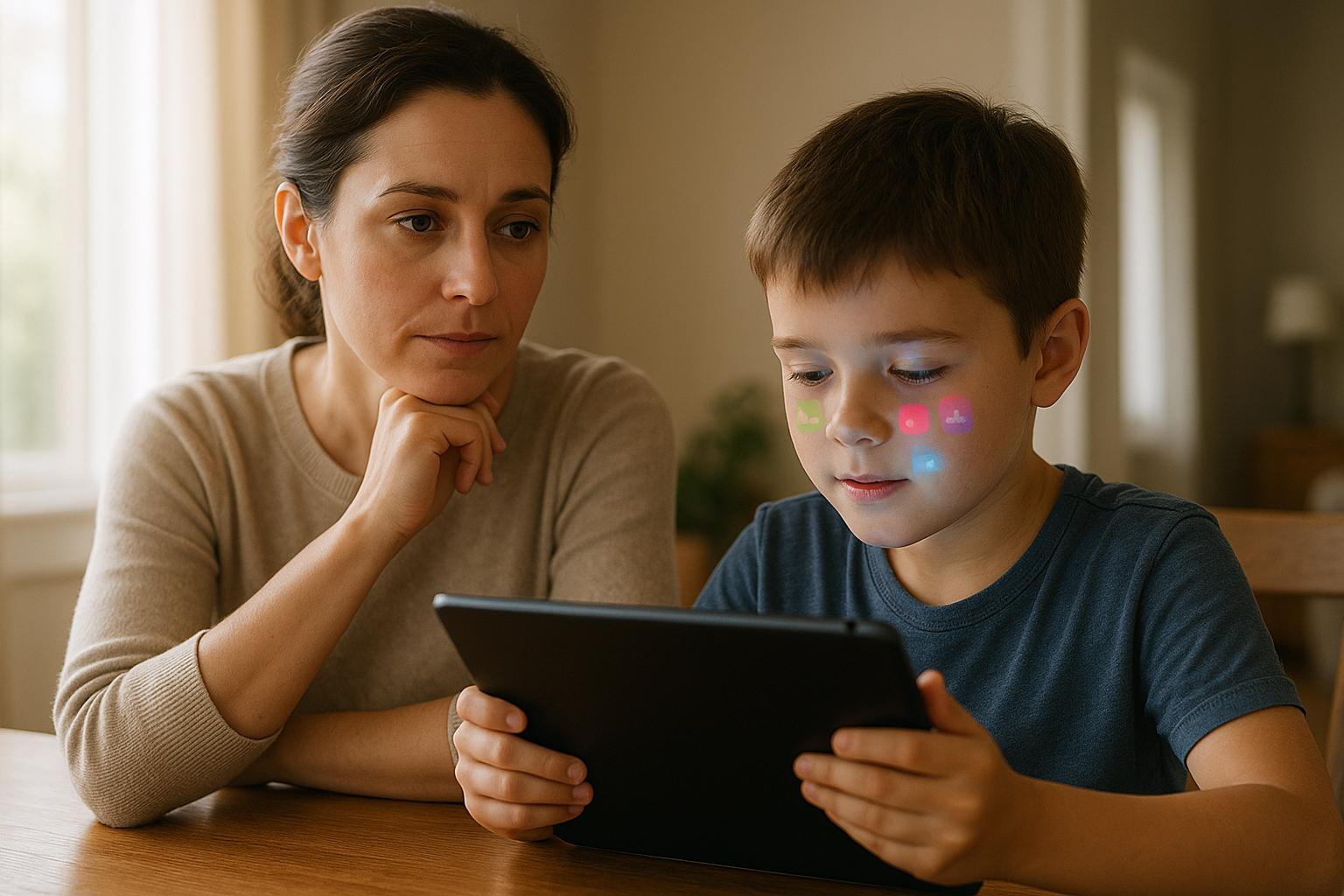
Most parents know their kids are on TikTok, Roblox, and Snapchat — but fewer know exactly what the risks look like inside those apps. In 2025, the threats aren’t just strangers in chat rooms. They’re algorithmic rabbit holes, hidden in-app purchases, location data leaks, and AI-generated content that’s nearly impossible to flag. Here’s what to actually watch for, app by app.
Social Media: The Biggest Risks by Platform
Social media is where most of the serious risks live. Each platform has its own specific danger profile — and “just check their phone” isn’t enough anymore. Here’s what’s actually happening on the apps your kids use most.
TikTok
TikTok’s algorithm is the real problem. It can take a kid from harmless dance videos to pro-eating-disorder content in under 20 minutes — without a single search. The “For You” feed learns fast and pushes hard.
Direct messaging is enabled by default for users 16 and older. Younger teens can still receive messages from people they follow. That’s a gap most parents don’t know exists.
Instagram introduced Teen Accounts in late 2024, which restrict DMs from strangers and limit content by default for users under 16. But kids can still lie about their age at signup — and many do.
The bigger issue is Stories and Close Friends lists. Kids share location data, school names, and daily routines without realizing it. A single tagged photo can reveal your home neighborhood.
Snapchat
Snapchat’s Snap Map feature shows a user’s real-time location to their entire friend list by default. Most kids don’t turn it off. Most parents don’t know it exists.
The disappearing message format also creates a false sense of privacy. Screenshots still work. Third-party apps can save snaps silently. And the platform is frequently used by predators to move conversations off more-monitored platforms.
BeReal and Emerging Platforms
New apps pop up constantly. BeReal, Locket Widget, and Gas have all had surges in teen adoption in the past two years. The pattern is the same: low moderation, fast growth, slow safety features.
If you don’t recognize an app on your kid’s phone, look it up before asking them about it. Kids often delete apps before conversations happen.
Gaming Apps: What Parents Miss
Gaming risks go beyond screen time. The real dangers are unmoderated voice chat, in-app purchases that add up fast, and social engineering by strangers who use games as an entry point.
Roblox
Roblox has over 70 million daily active users, and the majority are under 13. The platform has chat filters, but user-created games can bypass them. Some games contain graphic violence, sexual content, or gambling mechanics dressed up as “crates” and “spins.”
Robux (the in-game currency) is a real money sink. Kids can spend $50–$100 without realizing it if a card is saved to the account. Set up purchase approval in your Roblox account settings and remove saved payment methods.
Fortnite
Fortnite’s voice chat connects kids with random players by default. There’s no age verification on who they’re talking to. Predators use in-game chat to build trust before moving conversations to Discord or Snapchat.
The V-Bucks system (Fortnite’s currency) works the same way as Robux — real money, no friction. A single Battle Pass costs $8/month, but cosmetic items can run $20 each. Set parental controls through your console or device to require approval for purchases.
Discord
Discord isn’t a game, but it’s where gaming conversations move. Servers are largely unmoderated. Kids can join servers with adult content, explicit language, and stranger contact with no parental visibility.
The minimum age is 13, but there’s no verification. If your child is on Discord, check their server list. Any server you don’t recognize is worth a conversation.
| App | Primary Risk | Key Setting to Change |
|---|---|---|
| TikTok | Algorithm rabbit holes, DMs from strangers | Disable DMs, enable Family Pairing |
| Location data in photos, DMs | Enable Teen Account, disable location tags | |
| Snapchat | Snap Map location sharing | Enable Ghost Mode immediately |
| Roblox | Unmoderated games, in-app purchases | Enable Account Restrictions, remove payment info |
| Fortnite | Voice chat with strangers, V-Bucks spending | Disable voice chat, require purchase approval |
| Discord | Unmoderated servers, adult content | Review server list, enable Safe Direct Messaging |
Educational Apps: Not as Safe as They Look
Educational apps get a pass from most parents — but they shouldn’t. Many collect more data than they disclose, share it with third-party advertisers, and have privacy policies written for lawyers, not parents.
What the Data Shows
A 2023 study by the International Digital Accountability Council found that 67% of apps marketed to children shared data with third parties. That includes behavioral data, device identifiers, and in some cases, location information.
Apps like Google Classroom and Khan Academy have strong privacy records. Others — especially smaller, ad-supported apps — don’t. Before installing any educational app, check its rating on Common Sense Media’s Privacy Program.
In-App Purchases in “Free” Learning Apps
Many free educational apps use the same monetization tactics as games — premium content locks, subscription upsells, and virtual currency. Kids hit a wall mid-lesson and ask to unlock more. It adds up.
Enable “Require Password for Purchases” on iOS or “Require Authentication” on Android for every device your child uses. This takes about 30 seconds and stops accidental charges entirely.
Best Parental Control Tools in 2025
No single app does everything. The best setup combines a monitoring tool with built-in device controls. Here’s how the top options compare.
| App | Best For | Price | Standout Feature |
|---|---|---|---|
| Bark | Older kids (10+) | $14/month | AI scans for bullying, self-harm, predators — alerts parents only when needed |
| Qustodio | Younger kids (5–12) | $55–$100/year | Detailed screen time reports, app blocking, YouTube monitoring |
| Net Nanny | Content filtering | $55/year (1 device) | Real-time content filtering, profanity masking |
| Apple Screen Time | iPhone/iPad families | Free | App limits, downtime schedules, communication limits |
| Google Family Link | Android families | Free | App approval, location sharing, screen time limits |
Bark is the strongest option for most families with kids over 10. It doesn’t read every message — it scans for specific patterns and only alerts you when something concerning shows up. That balance between privacy and safety matters as kids get older.
Built-In Device Settings That Actually Work
You don’t need a paid app to start. Every major device has built-in controls that most parents never touch. These take 10–15 minutes to set up and make a real difference.
iPhone / iPad: Screen Time
Go to Settings → Screen Time → Turn On Screen Time. Set a passcode your child doesn’t know. Enable “Content & Privacy Restrictions” to block explicit content, restrict app downloads by age rating, and disable in-app purchases.
Android: Google Family Link
Download Family Link on your phone and your child’s device. You can approve or block app downloads, set daily screen time limits, and see their location in real time. Works on most Android devices running 7.0 or later.
Router-Level Controls
Most modern routers (Eero, Netgear Orbi, Google Nest) have built-in parental controls that filter content across every device on your network — including smart TVs and gaming consoles. Set these up through your router’s app.
Console Controls (PS5, Xbox, Nintendo Switch)
Each console has its own family management system. On PS5, go to Family Management in your account settings. On Xbox, use the Xbox Family Settings app. On Switch, use the Nintendo Switch Parental Controls app — it’s one of the best-designed parental control tools available.
Red Flags on Your Kid’s Device
Sometimes the device itself tells you something is wrong before your kid does. Here’s what to look for when you pick up their phone or tablet.
- Apps you don’t recognize — especially ones with generic icons designed to look like calculators or utilities (these are often “vault” apps that hide photos and messages)
- A second account on the same app (common on Instagram and TikTok — kids maintain a “finsta” or private account parents don’t know about)
- Excessive battery drain or data usage from a specific app
- Location services enabled for apps that don’t need it
- Notifications turned off for specific apps (often done to hide incoming messages)
- A device that’s suddenly password-protected when it wasn’t before
- Unfamiliar charges on your credit card or gift card purchases
The goal isn’t to spy on your kids — it’s to know enough to have the right conversation at the right time.
How Device Health Affects Online Safety
A slow, glitchy device is harder to monitor. Kids on older phones with outdated software miss security patches that fix known vulnerabilities. An iPhone running iOS 15 in 2025 has dozens of unpatched security holes that iOS 18 fixed.
If your child’s device is running slow, crashing, or won’t update, it’s worth getting it checked. We see this regularly at our Boca Raton repair shops — a battery replacement or software refresh can bring an older device back to full function and keep it on current security updates.
Most phone repairs at Gadget Medics take under an hour. Battery replacements start at $59 for most iPhone models. Bring it in at either location — Mission Bay Plaza (20437 State Road 7) or Feinrose Plaza (1906 Clint Moore Rd) — and we’ll run a first.
Device Running Slow? We Can Help.
A healthy device is easier to monitor and safer for your kids. at both Boca Raton locations. Most repairs done same day.
Frequently Asked Questions
What age should kids be allowed on social media?
Most platforms require users to be 13, but that’s a legal minimum, not a readiness benchmark. Common Sense Media recommends waiting until 14–15 for most social platforms, and starting with more controlled environments like YouTube Kids or supervised accounts. Maturity varies — the right age depends on your specific child and how much you can monitor their activity early on.
Is TikTok actually dangerous for kids?
The algorithm is the biggest risk — not the content itself. TikTok can push increasingly extreme content based on watch time, not intent. A child who watches one video about dieting can be served pro-eating-disorder content within hours. Enable Family Pairing, restrict DMs, and use Screen Time limits. TikTok’s built-in controls have improved significantly in 2024–2025, but they require active setup.
What’s the best free parental control option?
Apple Screen Time (iPhone/iPad) and Google Family Link (Android) are both free and genuinely useful. They let you set app limits, block content by age rating, and require approval for downloads. For router-level filtering across all devices, many ISPs now offer free parental controls — check your router’s app or your internet provider’s account settings.
Can kids get around parental controls?
Yes — older kids especially. Common workarounds include using a friend’s device, connecting to a different Wi-Fi network, using a VPN app, or creating a second Apple ID. The most effective approach combines technical controls with regular conversations. Kids who understand why the limits exist are less motivated to bypass them.
Should I read my child’s messages?
This depends on age and context. For kids under 12, full visibility is reasonable. For teens, most child psychologists recommend a middle ground — using a tool like Bark that alerts you to specific risks without reading every message. Full surveillance of a 15-year-old’s messages often damages trust without improving safety.
What should I do if I find something concerning on my child’s device?
Don’t react immediately. Screenshot or note what you found, then plan the conversation. Coming in calm and curious — “I saw something and I want to understand it” — works better than confrontation. If you find evidence of contact with an adult stranger, report it to the NCMEC CyberTipline and contact local law enforcement.
Keeping kids safe online in 2025 isn’t about blocking everything — it’s about knowing which apps carry real risks, setting up the right controls, and staying in the conversation. The apps change. The tactics don’t. Start with the settings above, pick one monitoring tool, and check in regularly. If your child’s device needs a tune-up to run current software and security updates, bring it into Gadget Medics in Boca Raton — we’ll get it sorted same day.